

Halo Enhancer
Halo Enhancer adds clarity and low end depth to vocals, instruments and mixes with level dependent three-band shaping, an adjustable Freq control, L/R or M/S processing and a live analyzer.
Version 1.0.0·macOS & Windows
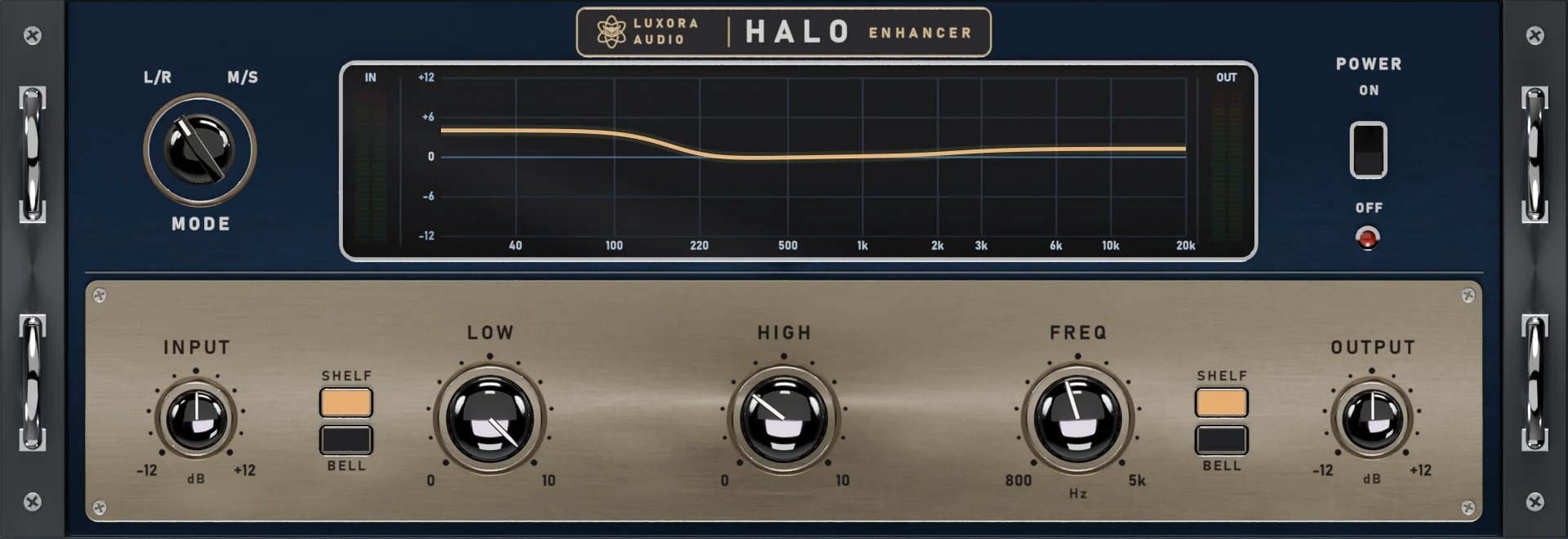
Halo Enhancer brings clarity, presence and depth to vocals, instruments and full mixes. It splits the signal into three bands and lifts the low end and the top end in a way that follows the music: quieter details get more lift, while loud passages are left mostly as they are.
How It Works
Halo works with three bands. The low band sits below 160 Hz, and the high band starts at the Freq setting, which you can set anywhere from 800 Hz to 5 kHz. The low and mid bands are delayed by a small fraction of a cycle against the highs, which gives the sound a tighter, more defined feel without making it louder.
The amount of lift depends on the level of each band. When a band is quiet, it gets more lift; when it is already loud, it gets less. Very quiet signals below about -70 dBFS are not lifted, so background noise is not brought up. Each band can be lifted by up to 10 dB.
Controls
- Low: Lifts the low band for weight and depth.
- High: Lifts the high band for clarity and presence.
- Freq: Sets where the high band starts, from 800 Hz to 5 kHz.
- Shelf / Bell: Low and High can each lift the whole band (Shelf) or a narrower bell-shaped area (Bell): around 80 Hz for Low, around the Freq setting for High.
- Input and Output: ±12 dB.
- Mode: Works in L/R or M/S, so you can treat the center and the sides separately.
- Power: Turns the processing on and off for quick comparison.
Live Analyzer
The screen shows a real-time spectrum of Halo's output together with the curve that is being applied at that moment. Because the lift follows the level of the music, you can watch the curve move as the track plays.
Clean by Default
Low and High start at zero, so Halo is transparent the moment you insert it and only starts working as you turn the knobs up. Halo adds no latency.
Presets
Halo comes with 17 factory presets in 4 categories: Drums, Vocals, Instruments and Mastering. They all use gentle settings, so they are a good starting point for any track. You can also save your own presets.
POWERED BY LUXORA KERNEL TECHNOLOGY
System requirements
- OS
- macOS 11 Big Sur or later
- CPU
- Intel or Apple Silicon processor
- Formats
- VST3, AU, AAX
- RAM
- 4 GB minimum
- OS
- Windows 10 or later (64-bit)
- CPU
- Intel or AMD x64 processor
- Formats
- VST3, AAX
- RAM
- 4 GB minimum
Before you buy
Can I try it before buying?+
How many computers can I use it on?+
Do I need to be online?+
Can I start a new trial with a different email?+
I bought with a different email than my trial — is that a problem?+
Other Plugins
Vocal Doubler
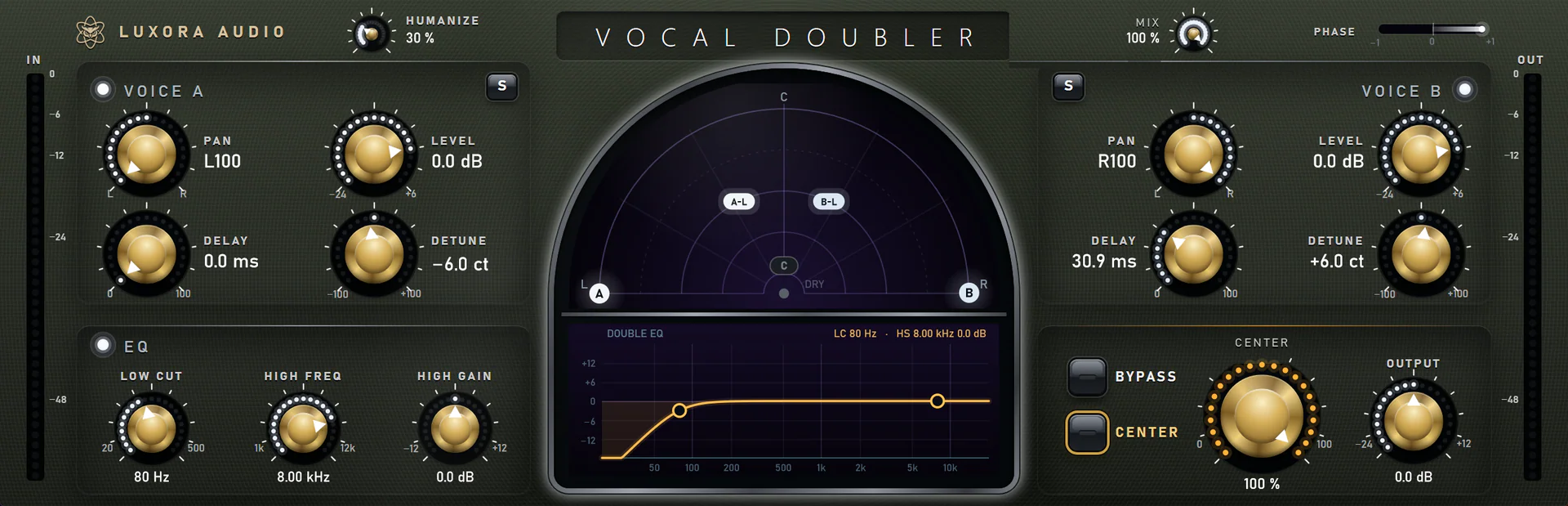
Vocal Doubler turns one vocal take into a wide, natural double. Two independent voices with real pitch detune, delay, pan and level, a stereo radar you can drag, an EQ for the doubles only and a Humanize control that keeps every double sounding like a second perfor
Orvion OC-1 Compressor
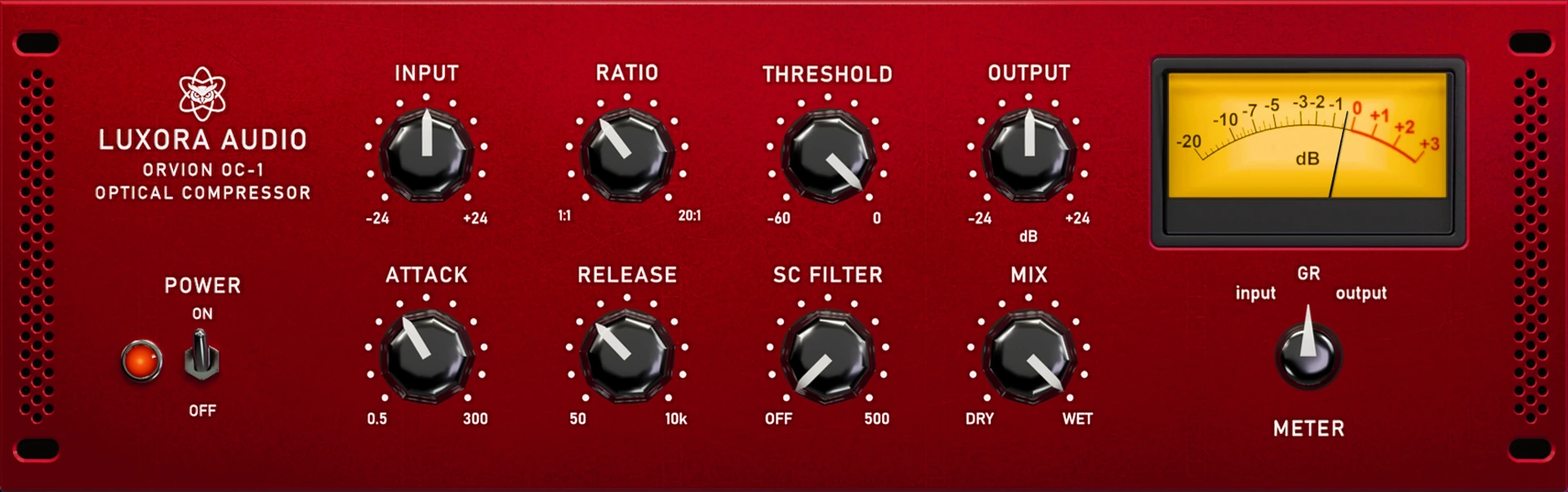
Orvion OC-1 is a software model of a world-famous optical compressor, with a modeled transformer and tube signal path for smooth, musical compression on vocals, bass, drums and the mix bus.
Lega Effect
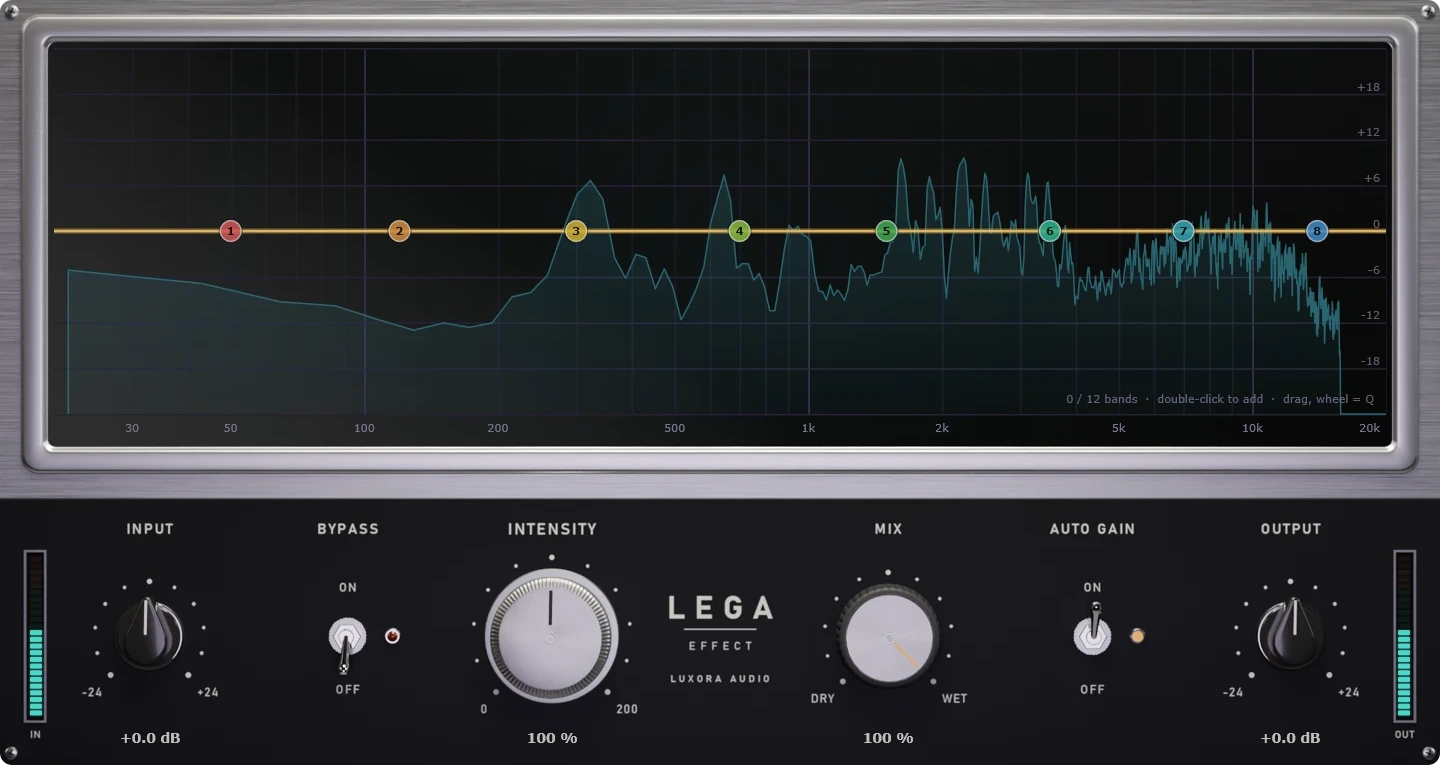
Lega Effect puts any voice or sound through a real device, line or space in one click. 100 presets across 9 categories, from old telephones, radios and video calls to stadium PAs, worn tapes and rooms behind a wall. Every preset is a complete chain, not just an EQ.
Download free
Corella Summing Mixer
Corella Summing Mixer is a channel-strip plugin that brings the sound of an analog summing console to your mix. Placed on every channel and bus, it adds the same analog coloration, EQ and dynamics to each track, gluing your mix together like a real console.