

NEW FREE PLUGIN
Lega Effect
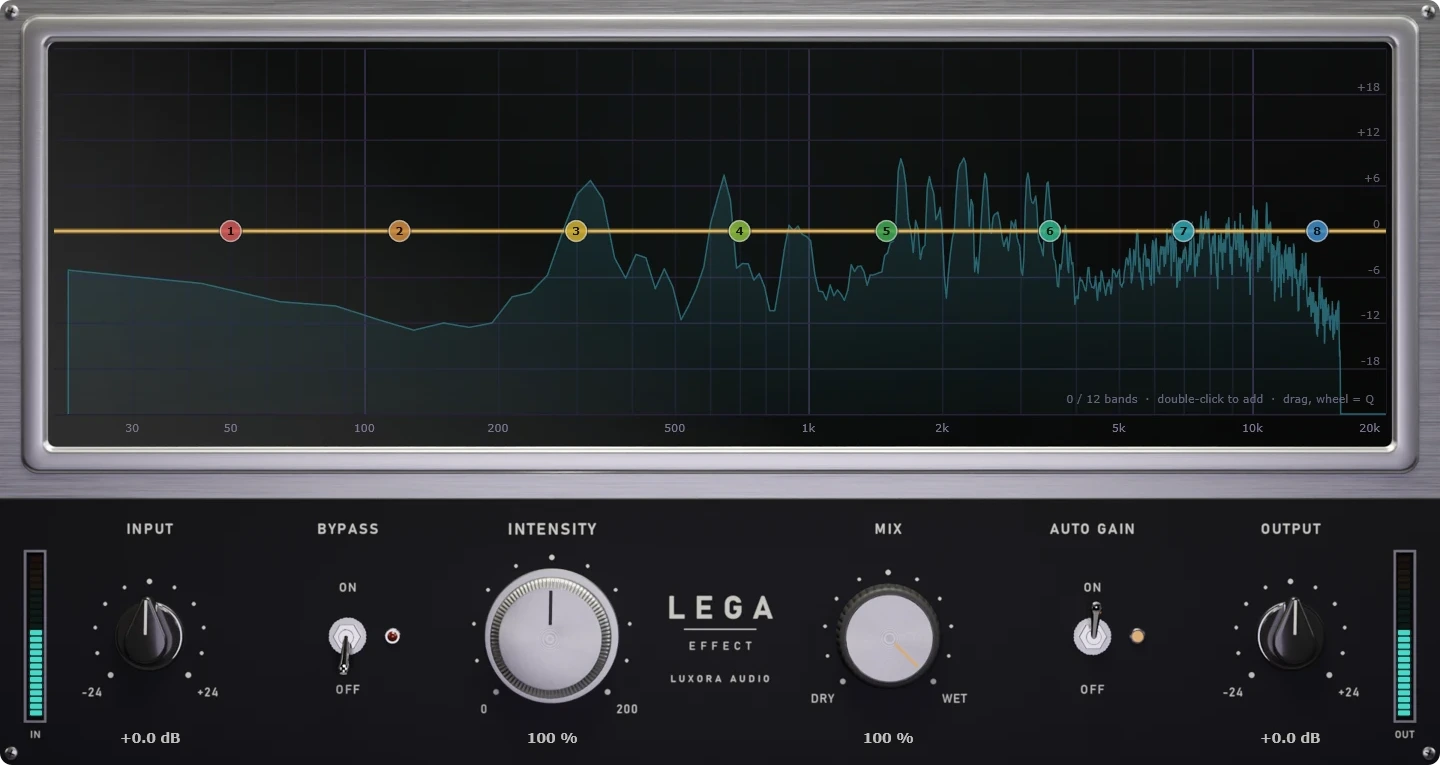
Lega Effect puts any voice or sound through a real device, line or space in one click. 100 presets across 9 categories, from old telephones, radios and video calls to stadium PAs, worn tapes and rooms behind a wall. Every preset is a complete chain, not just an EQ.
Lega Effect
Lega Effect puts any voice or sound through a real device, line or space in one click. Old telephones and payphones, mobile calls breaking up, walkie-talkies and dispatch radios, video calls, stadium and station announcements, worn records and tapes, rooms behind a wall, and a set of creative voices from robots to ghosts.
Pick a preset and the sound is already there. Turn Intensity down for a subtle hint or push it further for an exaggerated effect, and blend it with Mix.
100 Presets in 9 Categories
Telephone: analog landlines, rotary handsets, payphones, intercoms, answering machines.
Cellular: early mobile calls, weak signal, speaker mode, car handsfree, satellite phone.
Internet: video calls, voice messages, headset and gaming chat, livestream mic, frozen streams.
Radio & Comms: AM and shortwave, handheld and aviation radio, police and taxi dispatch, space transmission.
Speakers & PA: bullhorn, station and stadium announcements, laptop and pocket speakers, old television.
Recorded Media: shellac and worn vinyl, cassette, microcassette, reel to reel, old film reel, jukebox.
Enclosed: next room, through the floor, outside the car, underwater, helmet, gas mask, bathroom, stairwell.
Voice Character: broadcast voice, late night host, radio narrator, movie trailer, giant, small creature.
Creative FX: ghost whisper, robot voice, alien transmission, monster, demon, cathedral, glitch machine.
More Than an EQ Curve
A telephone does not sound like a telephone because of its frequency range alone. Every Lega preset is a complete signal chain: microphone character, phone line or digital codec, signal dropouts, hiss, hum and static, squelch tails, speaker drive, room and reverb, tape wow and flutter. Each stage is built to behave like the real thing, so the result reads instantly as a real device rather than a filtered voice.
Interactive Analyzer
See the sound live and shape it right on the screen. Eight numbered points are always ready on the display: drag any of them to boost or cut, use the mouse wheel to change Q or slope, and add up to 12 bands with high pass, low pass, peak and shelf filters. The curve you see is exactly the curve you hear.
Built for Real Sessions
Intensity and Mix take you from a subtle hint to the full effect, while Auto Gain keeps your level matched so you judge the character, not the volume. Click-free bypass, A/B compare and undo / redo make it fast to try ideas in a real mix.
System requirements
- OS
- macOS 11 Big Sur or later
- CPU
- Intel or Apple Silicon processor
- Formats
- VST3, AU, AAX
- RAM
- 4 GB minimum
- OS
- Windows 10 or later (64-bit)
- CPU
- Intel or AMD x64 processor
- Formats
- VST3, AAX
- RAM
- 4 GB minimum
Good to know
Is it really free?+
How do I get it?+
How many computers can I use it on?+
Will I get updates?+
Other Plugins
Corella Summing Mixer
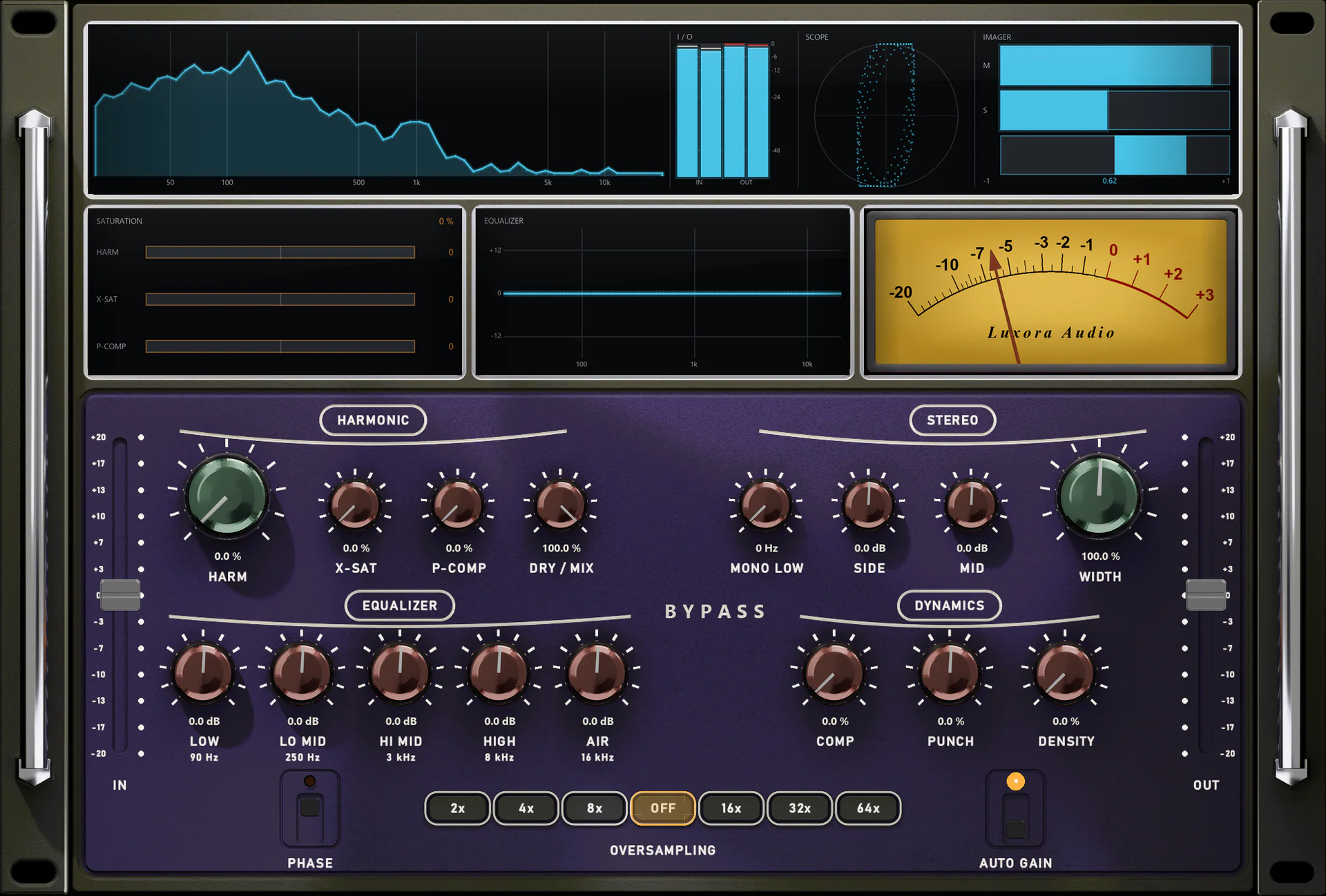
Corella Summing Mixer is a channel-strip plugin that brings the sound of an analog summing console to your mix. Placed on every channel and bus, it adds the same analog coloration, EQ and dynamics to each track, gluing your mix together like a real console.
Titan Tube Compressor
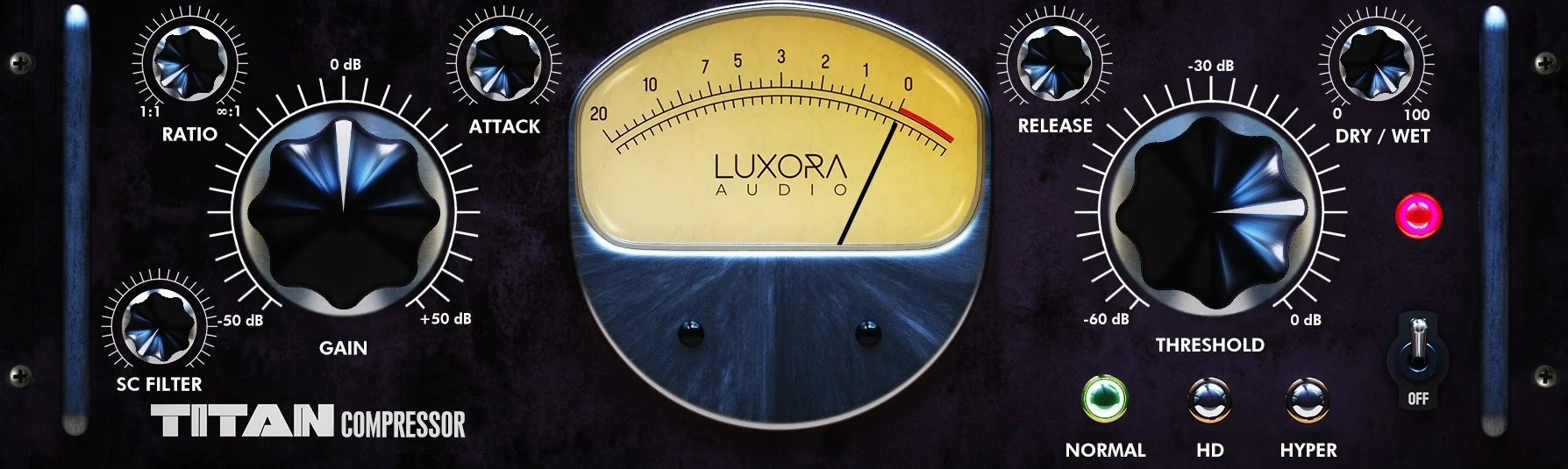
Titan Tube Compressor is a meticulous model of a $7,000-class vari-mu hardware compressor. It goes beyond emulation, delivering authentic valve behaviour, magnetic transformer saturation, three operating modes and musical dynamics in high resolution.
Drums God
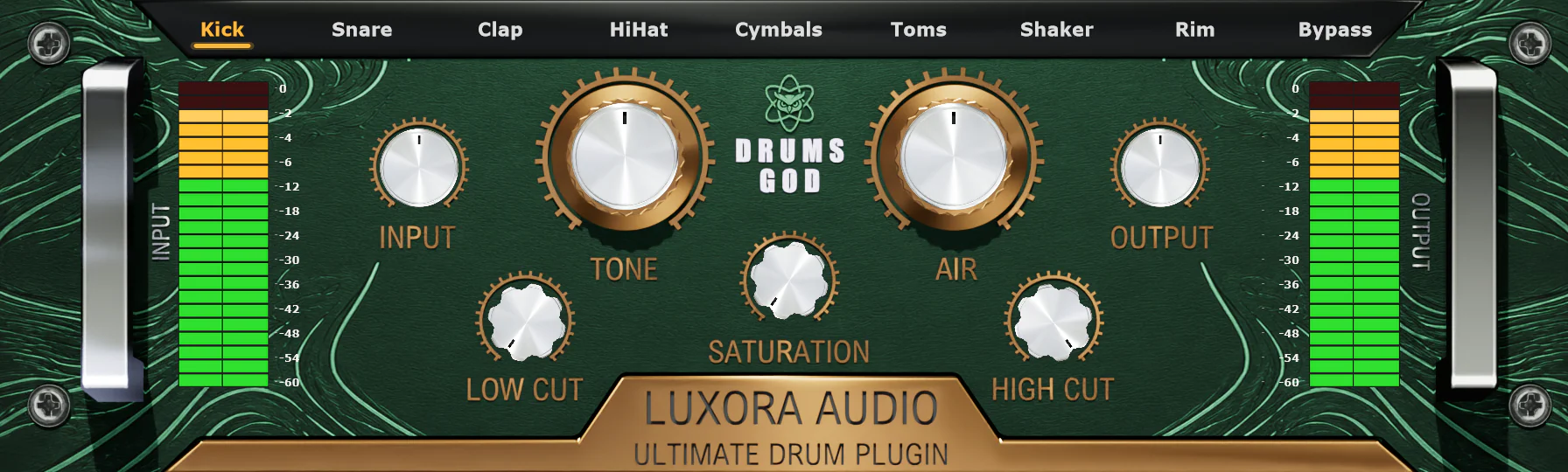
Drums God is a professional drum processing plugin designed for modern music production. It delivers precise control, analog warmth, and high-resolution processing for kick, snare, and all drum elements, helping you achieve powerful, clear, and polished drum mixes.
Download free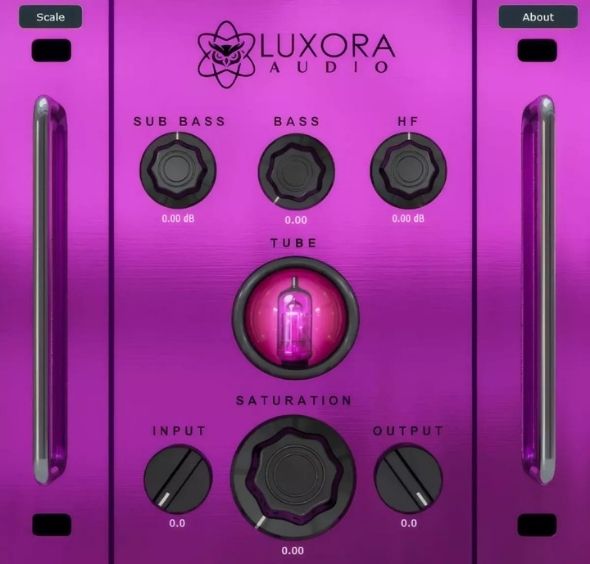
Sub-Bass
Sub-Bass is a low-end plugin designed for bass, sub-bass, 808s and drum buses. It delivers an authentic analog feel without any digital harshness, adding weight, warmth and tube saturation while keeping your low frequencies tight, clear and controlled.
Download free